Non-Functional Testing Services & Tools
Performance under load, security under attack, accessibility under WCAG 2.2, reliability under partial failure, compatibility across device matrices. The categories your CTO gets paged about and your CXO gets sued over.
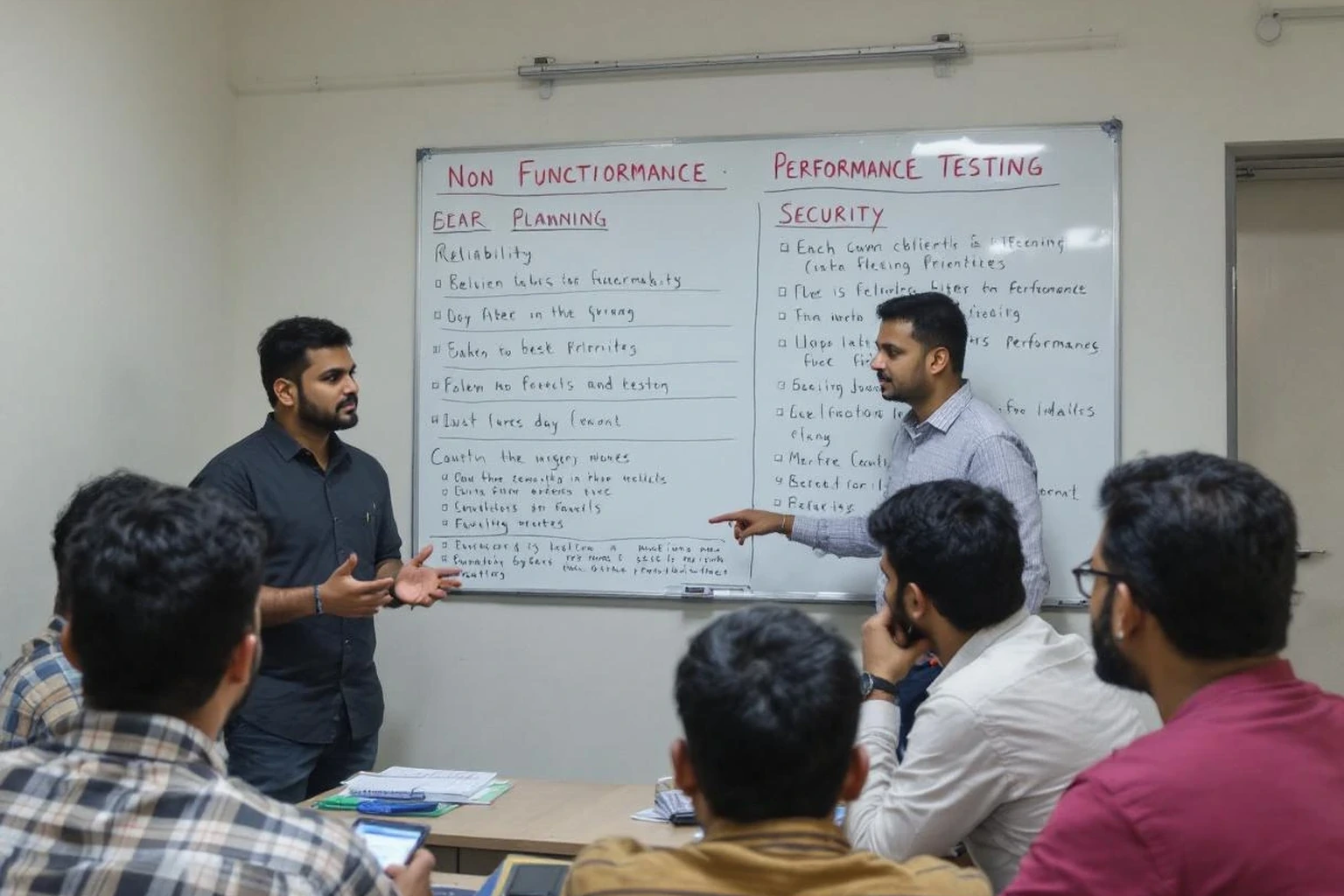
Non-functional testing is everything that lives outside “does the feature do what the spec says?” — performance under load, security under attack, accessibility under WCAG conformance, usability with real users, reliability under partial failure, compatibility across devices and OS versions. These are the quality attributes a CTO gets paged about and a CXO gets sued over. They're also the categories most often skipped because functional testing fills the calendar.
Each non-functional category has a different toolchain and a different SLO. Performance: k6, JMeter, Gatling, with results tracked in Grafana + Prometheus or Datadog and traced via OpenTelemetry. Security: OWASP ZAP, Burp Suite Pro, Snyk, Trivy, Semgrep, Nuclei, against the OWASP Top 10 and OWASP API Top 10 baselines plus business-logic threat modelling. Accessibility: axe DevTools, Pa11y, Accessibility Insights, against WCAG 2.2 AA. Usability: moderated remote sessions plus Maze for breadth. Compatibility: BrowserStack and Sauce Labs cloud labs covering current and N-2 OS versions for iOS, Android, and major desktop browsers. Reliability and chaos engineering: Chaos Mesh, Litmus, or Gremlin where the customer's production infrastructure justifies it.
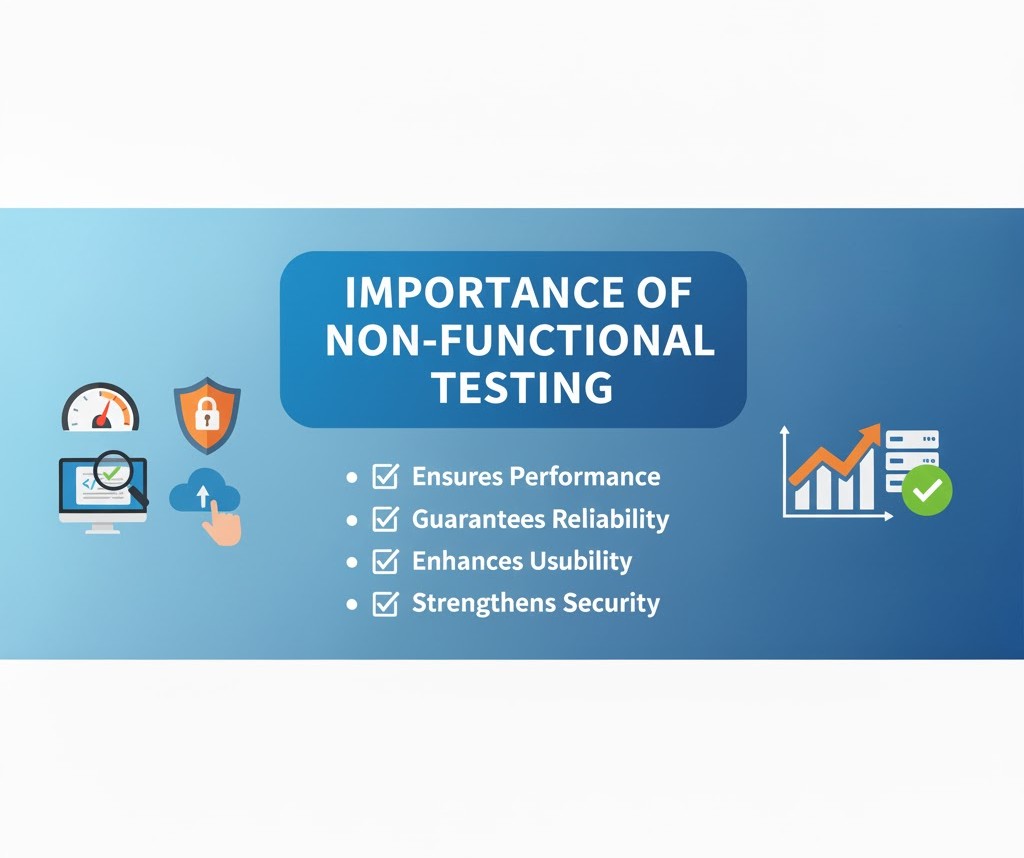
Non-Functional Testing Is Cheapest Insurance on the Engineering Budget
We don't pitch non-functional testing as a brand exercise. The cost of skipping it is concrete: a single hour of preventable degraded performance on a payments flow at typical AU mid-market e-commerce volumes is in the order of AUD 40–60k of lost transactions and refund processing. The cost of one OWASP Top 10 incident in regulated AU sectors (financial services, healthcare) is in the seven figures before legal and brand recovery. Non-functional testing is the cheapest insurance line item on the engineering budget.

How We Run Non-Functional Testing
Each non-functional category gets a dedicated test plan with measurable SLOs agreed upfront with the product owner. Performance plans define baseline / soak / burst load shapes per use case. Security plans map OWASP findings to CVSS-scored severity with reproducible PoCs. Accessibility plans target a defined WCAG 2.2 AA conformance level with axe and Pa11y findings cross-referenced. Reports are written, not slide decks.
For Australian customers we run load generators from AWS Sydney (ap-southeast-2) so latency measurements reflect real end-user experience, not measurements skewed by inter-region latency. For EUDR-style compliance platforms we test data-residency assumptions explicitly — the regulator's question (“does AU/EU PII actually stay where the privacy notice says?”) is something we verify, not assume.


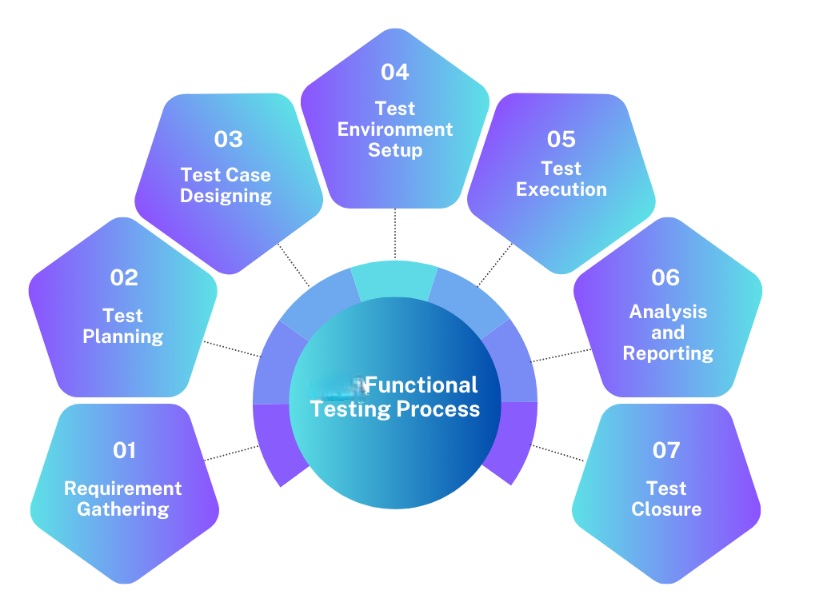
Our streamlined approach to non-functional testing involves:
- Requirement Collection: Analysing software requirements to identify key non-functional attributes and KPIs.
- Test Planning: Creating a detailed plan for tests, tools, and expected outcomes with defined KPIs.
- Test Execution: Running planned tests, including performance, security, and usability.
- Defect Reporting and Tracking: Documenting and tracking defects for timely resolution.
- Test Reporting: Providing reports summarising test results, critical issues, and improvement areas.

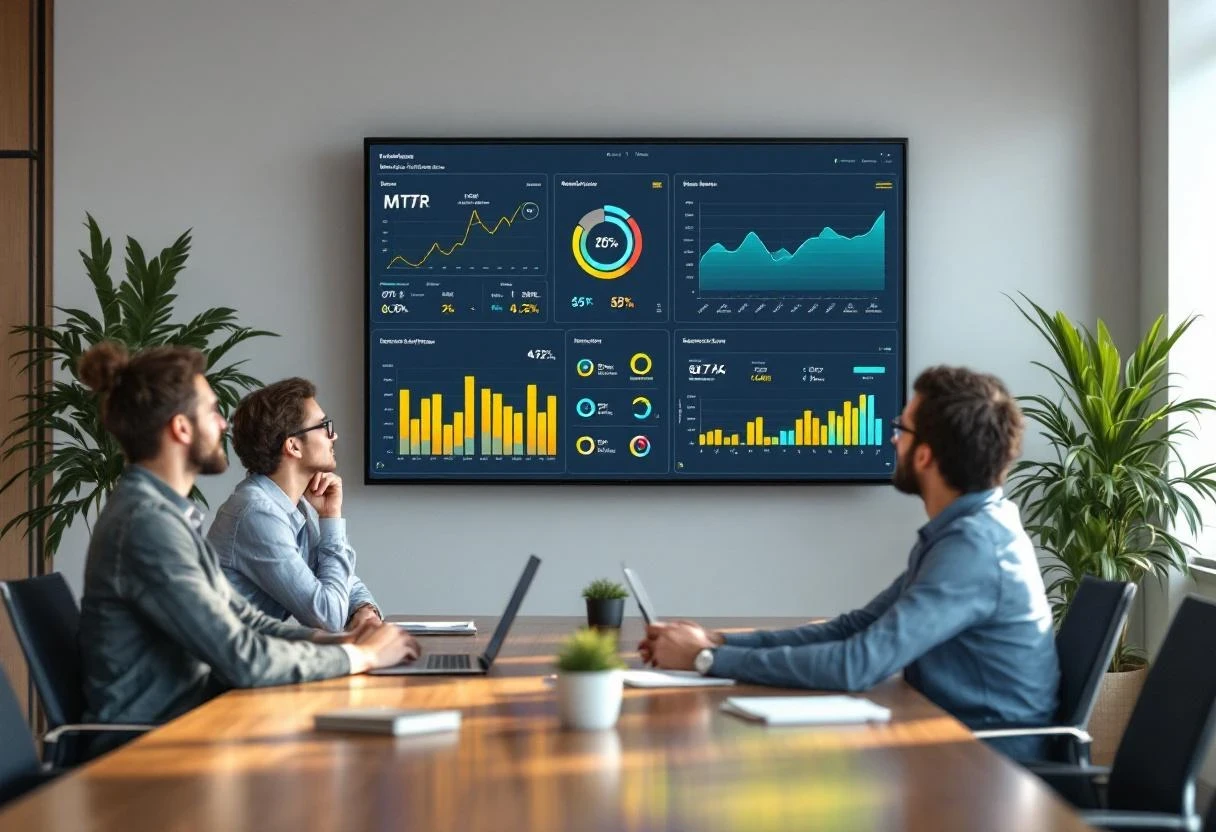
Toolchain by Category
| Category | Default Tools | SLO / Acceptance Shape | AU Context |
|---|---|---|---|
| Performance | k6 (default), JMeter, Gatling; results → Grafana + Prometheus or Datadog; traced via OpenTelemetry | p95 latency at design load; throughput knee-point; cost per 1k requests | AWS Sydney ap-southeast-2 load origin |
| Security | OWASP ZAP, Burp Suite Pro, Snyk, Trivy, Semgrep, Nuclei | OWASP Top 10 + OWASP API Top 10 + business-logic threat model | Australian Signals Directorate Essential 8 |
| Accessibility | axe DevTools, Pa11y, Accessibility Insights | WCAG 2.2 AA | Disability Discrimination Act 1992 (Cth) |
| Usability | Moderated remote (Lookback, Userbrain), Maze for breadth | Task-success rate, time-on-task, SUS score baseline | AEST-overlapping session scheduling |
| Compatibility | BrowserStack, Sauce Labs | Current + N-2 OS for iOS, Android, Chrome, Safari, Edge | Telstra / Optus / Vodafone device-fleet |
| Reliability | Chaos Mesh, Litmus (Kubernetes-native); Gremlin for SaaS chaos | Steady-state hypothesis met under blast radius; MTTR < target | Production-blast only with on-call awareness |
Chaos Engineering for Telemetry Backpressure
Telemetry backpressure is the failure mode that hides every other failure mode. When OTLP exporters block on remote-write rejection, Fluent Bit drops events, or Prometheus's WAL fills, your on-call SREs end an incident blind. We run chaos experiments specifically aimed at telemetry pipelines.
| Scenario | Steady-state Hypothesis | Tool | Blast Radius |
|---|---|---|---|
| Prometheus remote-write endpoint returns 429 / 503 | Local Prometheus WAL absorbs ≤ N minutes; alerts hold | Chaos Mesh (HTTPChaos) | Single cluster |
| OTLP collector pod CPU throttle to 50% | Span sampling adapts; tail-based sampling preserved | Litmus + KEDA | OTel collector deployment only |
| Fluent Bit forwarder loses connectivity to Loki/ES | Local buffer holds for retention SLA; no log loss | Chaos Mesh (NetworkChaos) | Logging tier only |
| Datadog Agent CPU saturation under burst metric volume | Agent backs off without dropping metrics | Gremlin (CPU attack) | Single host |
| Trace exporter queue saturation | Sampler degrades gracefully; head-based fallback fires | Chaos Mesh + custom hook | Single service |
| Region-level telemetry outage (Datadog or Grafana Cloud) | Alerting falls back to in-cluster Prometheus + Alertmanager | Network-level fault injection | Production-equivalent staging only |
Tool Selection Criteria
- Chaos Mesh — Kubernetes-native CRDs, best fit when your workload already runs on EKS/GKE/AKS. CNCF Incubating since February 2022.
- Litmus — Also Kubernetes-native (CNCF Incubating since January 2022; 30M+ Docker pulls as of 2024), better workflow orchestration via ChaosCenter when you need multi-step game-day scenarios.
- Gremlin — Commercial SaaS, best fit when chaos has to run outside Kubernetes (bare-metal, EC2) or when audit-grade RBAC and change records are non-negotiable.
Types of Non-Functional Testing We Offer
Each category below has its own toolchain, its own SLO definition, and its own deliverable shape. Performance and security typically run continuously in CI; usability and accessibility typically run in defined test windows around major releases. Compatibility and reliability fit between the two depending on the customer's release cadence. Below is what each category actually involves on our engagements.
 Performance Testing
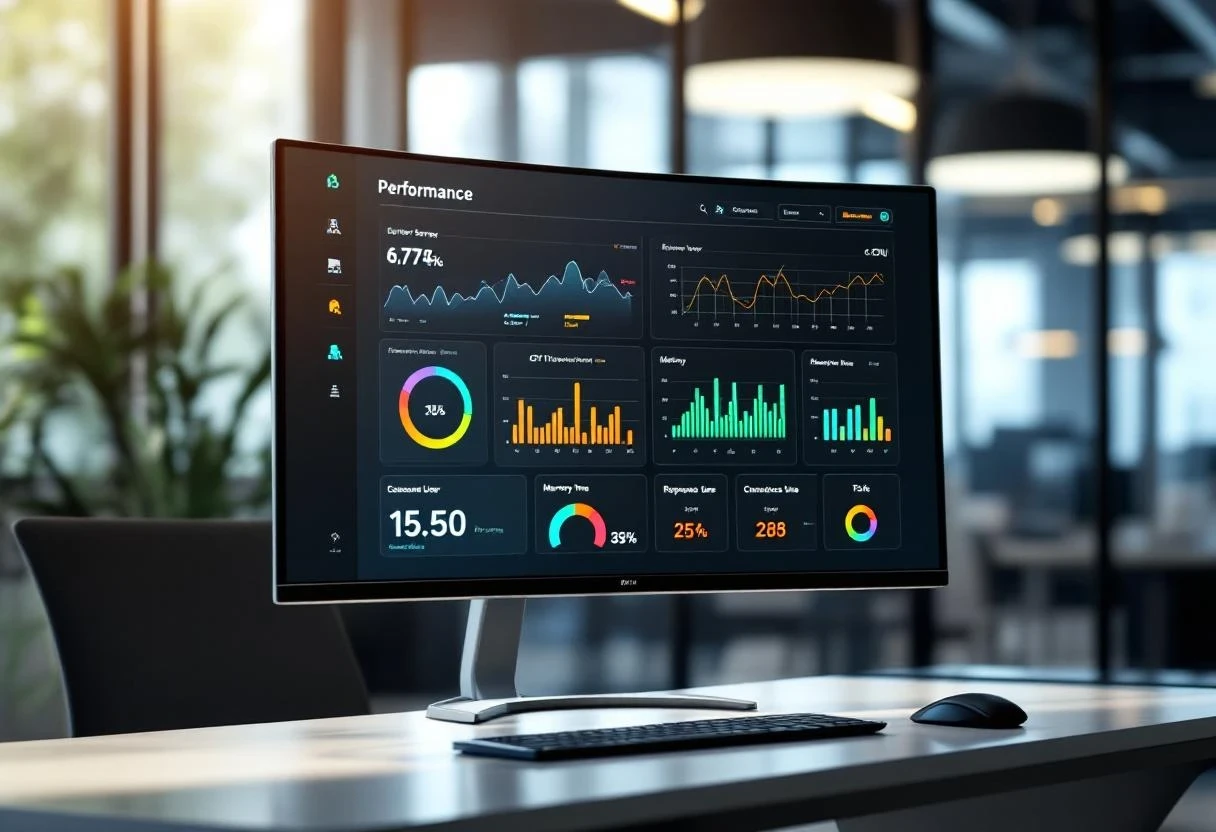
As the name suggests, this is aimed to check how fast, stable, and responsive your software is even under peak loads. It simulates the demands of real-world usage to ensure that the app is market-ready and not crashing. It helps you to optimise speed, responsiveness, and stability.
- Measures response times How long does it take for a page to load, a transaction to complete, or a search query to return results?
- Evaluate load capacity Can your application handle peak traffic or a sudden user surge without performance degradation?
- Assesses scalability Can your system handle increasing data and user traffic as your business grows?
- Identifies bottlenecks Where are the performance bottlenecks in your application, and how can they be addressed?
- Optimizes resource utilization How efficiently is your application using system resources like CPU, memory, and network bandwidth?
E-commerce Website Testing how quickly the website loads during a sale with thousands of concurrent users.
Security Testing
This testing is conducted to protect your application from cyber-attacks. We identify software weaknesses with carefully planned tests. If these issues reach the production version, they are poised to create data privacy, confidentiality, and compliance issues.
- Vulnerability scanning: Finding weak points and vulnerabilities in the application's architecture and infrastructure.
- Penetration testing: Simulating real-world cyber attacks to identify security gaps and check how well implemented security measures are doing.
- Authentication and authorization testing: Only authorized users can access specific features and data.
- Data protection testing: Verify that sensitive data is encrypted and protected from unauthorized access.
- Compliance testing: Ensuring your application meets relevant security standards and regulations (e.g., GDPR, HIPAA, PCI DSS).
Fintech Application: Testing for vulnerabilities like SQL injection to prevent unauthorized access to financial data.
Usability Testing
This revolves around user experience, checking for intuitiveness and ease of use of the app under test. We analyse how users interact with the applications and identify specific areas causing confusion or bottlenecks.
- Navigation tests: Evaluate the ease of navigation through the application menus and workflows.
- UI/UX tests: Assess the app's visual design, layout, and intuitiveness.
- Data Content tests: Checks if the content is concise and easy to understand.
- Accessibility tests: Check if the application is accessible to users with disabilities.
E-comm App: It can include tests to check the ease of searching for products, adding them to your cart, and completing the checkout process with successful payments.
Compatibility Testing
This ensures your application works correctly across browsers, operating systems, devices, and hardware configurations. Compatibility testing helps you reach a wider audience with ease and confidence.
- Cross-browser testing: Verifying that the application runs correctly on different web browsers.
- Cross-platform testing: Ensuring smooth functioning on multiple operating systems like Windows, macOS, and Linux.
- Mobile testing: Testing various mobile devices with different screen sizes and resolutions to evaluate responsiveness.
- Hardware compatibility: Testing compatibility with different hardware configurations, such as graphics card processors.
- Network compatibility: Ensuring the application works well irrespective of network types and speeds.
Mobile app testing falls under this category, where we test an app's compatibility with various operating system versions (iOS and Android) and screen sizes.
Reliability Testing
This assesses your system's ability to perform consistently and without failure. Reliability testing helps identify potential points of failure, reduce downtime, and build user trust.
- Mean time to failure (MTTF): Measuring average time between failures.
- Mean time to repair (MTTR): Measures the average time the system takes to recover from a failure.
- App Failure rate: Calculates the frequency of failures over a specific period.
- Stress testing: Assesses the system's behaviour under heavy loads.
- Regression: To ensure new code changes do not introduce bugs or issues.
Telecom Network: Evaluating the network's ability to maintain service availability during peak usage and under different environments is a good example of this testing type.
Want a testing programme calibrated to your real risk profile?
Two ways in: book a 30-minute discovery call (better for CXOs scoping a project) or request a written test-strategy review of your current setup (better for CTOs and engineering leads who want a second opinion). Both are no-obligation. We'll cover which categories matter most for your application class — fintech, agritech, EUDR compliance, healthcare, governance and compliance — in the first conversation.
How We Test Industry-Specific Workflows
Tailored QA for offline, compliance, and data-heavy products across Australia/APAC and regulated regions.
- 01Offline-First Reliability
PWAs with sync conflict testing, retries, and field-data integrity for low-connectivity regions.
- 02Traceability and Compliance
EUDR-style traceability validation with source-to-batch links, geolocation checks, and evidence attachments that survive sync.
- 03Locale and Language Coverage
Multi-language survey and form testing with RTL/LTR layouts, locale toggles, and consistent data exports.
- 04Connected Systems and Edge Accuracy
Telemetry-heavy workflows validated for MQTT/CoAP payloads, backpressure handling, and dashboard accuracy under load.
- 05Secure Finance Workflows
Auth/session hardening, PII masking in test data, and audit-friendly logging across environments.
- 06Release Readiness in APAC Windows
Shift-left test planning and timezone-aligned execution to validate critical paths before go-live across Australia/APAC delivery windows.
Knowledge Bank

Catch unintended side-effects early

Validate every feature works as expected

Reliable code at the component level

Ensure speed under real-world load

Smooth, intuitive user experiences


Confirm the product meets business goals

Verify modules work together seamlessly